


How to Print A4 on Sharp MFP

May 05, 2023
 21
21
From the document to be printed:
-
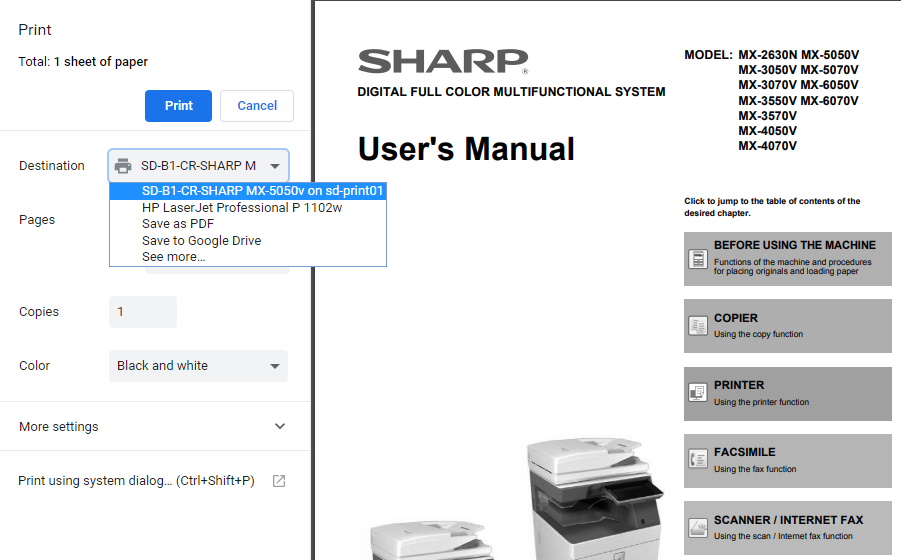
Destination > Select Printer
-
Print using system dialog
-
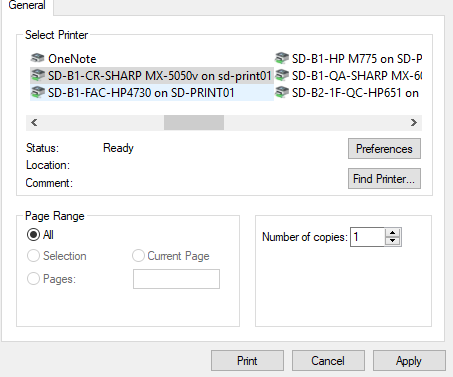
Select Printer(Again)
-
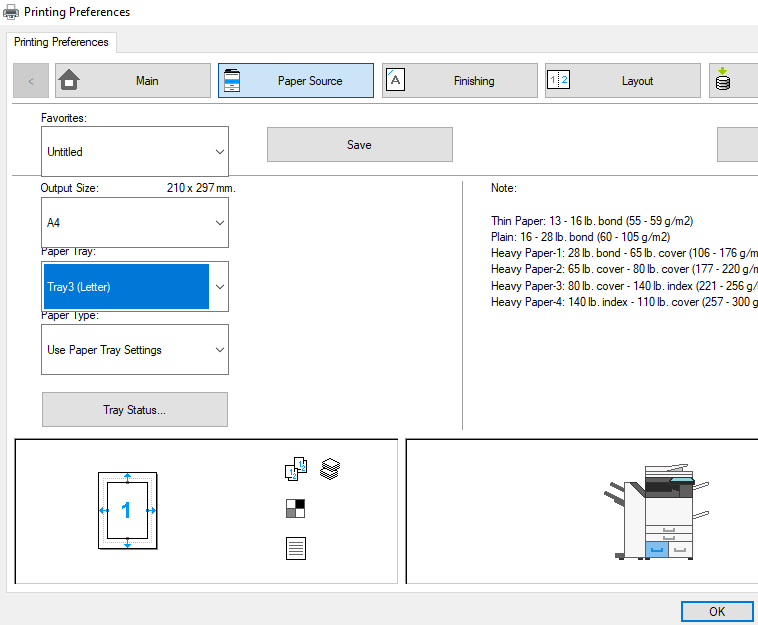
Preferences
-
Go to: Paper Source > Output Size A4 > Paper Tray 3 OR 4 ONLY
-
Click “OK”
-
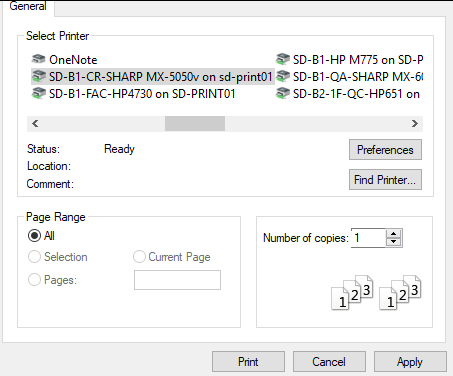
Enter: Page Range (All, Selection, Pages, Number of copies)
-
Apply > Print

